Subscribers
10 000
YOUTUBE SHOWS "10K subscribers"

Roberto Coviello - XR AI Tutorials has 10 000 YouTube subscribers and 480 497 views across the 52 videos we track, counted Sep 15, 2026.
Hi XR developers, I'm Robi and welcome to this XR and AI development tutorials channel. Enjoy the most timely, technically accurate and detailed tutorials that get straight to the point and focus on making the most complex features accessible to all. Interact with us: 📌Twitter: https://twitter.com/xrdevrob 📌 Discord: https://discord.gg/v8fVjweUPB Support me: 🎋 Patreon: https://www.patreon.com/bl
 Meta Quest Passthrough Camera Access - Color Picker, Object Detection, QR Code, Frosted Glass & more
 Colocation with Meta’s Shared Spatial Anchors & the new Colocation Discovery API
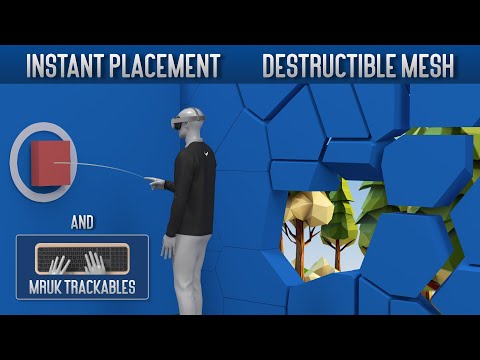 Destructible Global Mesh, Instant Content Placement and MRUK Trackables - Meta's MRUK v71 update
 MRUK Space Sharing API - Share your room mesh with friends on Meta Quest
 Create an MR Drawing app using Logitech’s MX Ink Stylus for Meta Quest
 Room setup with MRUK, custom interactions & more with Meta's Open Source Sample Cryptic Cabinet
 Get Started with Meta Quest Development in Unity | Meta's new XR SDK release!
 Meta’s Building Blocks | Develop Mixed Reality Apps lightning fast
 Meta Quest Passthrough API | How to make virtual and passthrough windows
 Meta Quest Spatial Anchors | Create, Save, Erase & Load spatial anchors
 Develop for Apple Vision Pro with Unity’s PolySpatial | Play to Device, XR Simulator & visionOS
 Mixed Reality Utility Kit: Build spatially-aware apps with Meta XR SDK
 Meta Quest Scene API | Scene Understanding & Content Placement with OVR Scene Manager
 Meta Quest Depth API and Occlusion Shaders for Environment Occlusion in Mixed Reality
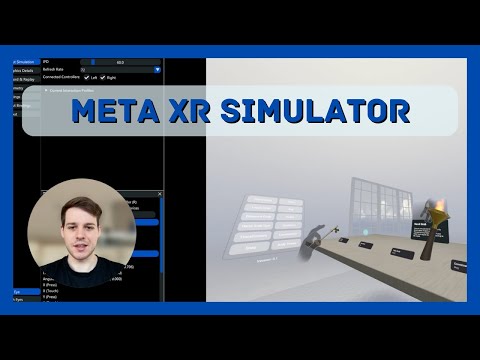 Meta XR Simulator | Synthetic Environments, Scene Recording & Multiplayer Testing
 Unity XR Hands Shapes & Poses - Create Custom Gestures with Gesture Building Blocks
 Meta Quest Controller Input & Animations
 Unity Sentis: Create AI-driven XR experiences
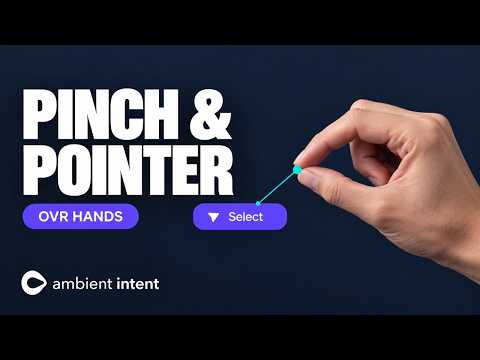 Meta OVR Hands | Pointer Data & Pinch Gesture for next generation interactions
 Apple Vision Pro Input & Object Manipulation with Unity PolySpatial | Connect to Unity and Xcode
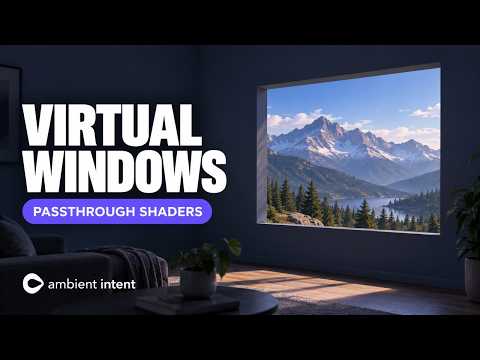 Virtual Windows in Passthrough Mode | Selective Passthrough Shader & Stencil Shader
 Use Meta's Voice SDK for Wake Word Detection & Speech To Text (STT)
 How to use Lights & Shadows in Passthrough Mode | Passthrough Relighting w/ OVR Scene Manager & MRUK
 Advanced Hand Tracking & Lighting Fast Interaction Setup | Meta’s huge v62 Update
 Create and Manage SwiftUI windows with Unity PolySpatial for Apple visionOS
 Cross-platform Mixed Reality Development for Meta Quest, HoloLens 2 & Magic Leap 2 with Unity
 Apple Vision Pro UI Interactions with Unity PolySpatial | Keyboard and Voice Inputs
 Use Meta’s Llama 3 Model in Unity with Amazon Bedrock & other partner services
 Create Believable Haptic Feedback with Meta’s Haptics Studio & Haptics SDK
 Lynx R1 Setup Guide - Using Handtracking & Enabling AR Mode
 XR Hands: Installation and Setup - How to create a Hand Tracking App using Unity's XRI
 Apple Vision Pro - How to become an Apple XR Developer with Unity for visionOS
 Part 1: Normcore Introduction & Setup - Make a Multiplayer VR game
 Jump in VR using the Unity Character Controller - Advanced VR Tutorials
 Part 9: UI Interaction with Finger in VR - How to make a VR game
 Part 8: Attach Objects in VR with Sockets - How to make a VR game
 Part 2: Normcore Grab & Synchronize Objects - Make a Multiplayer VR game
 Part 4: Normcore Synchronize Custom Data - Make a Multiplayer VR game
 Part 3: Normcore Scene Loading & Sessions Management - Make a Multiplayer VR game
 Part 5: Normcore RPC-like event messages and how to change the Nickname of your Avatar